
Bradley County VINELink Coverage
Tennessee runs VINE through all 95 county jails and the Department of Correction. Bradley County sits inside that network. The service takes custody data from participating agencies and turns it into a public check with notifications. A live record still needs confirming inside the service itself.
Start at the official VINELink entry point. Pick Tennessee and search for the person. Prefer the phone? Operators answer around the clock at 1-888-868-4631. Everything is free. It supplements the BCSO booking report rather than replacing it. The official VINELink search page shows the state-selection screen where every lookup begins.
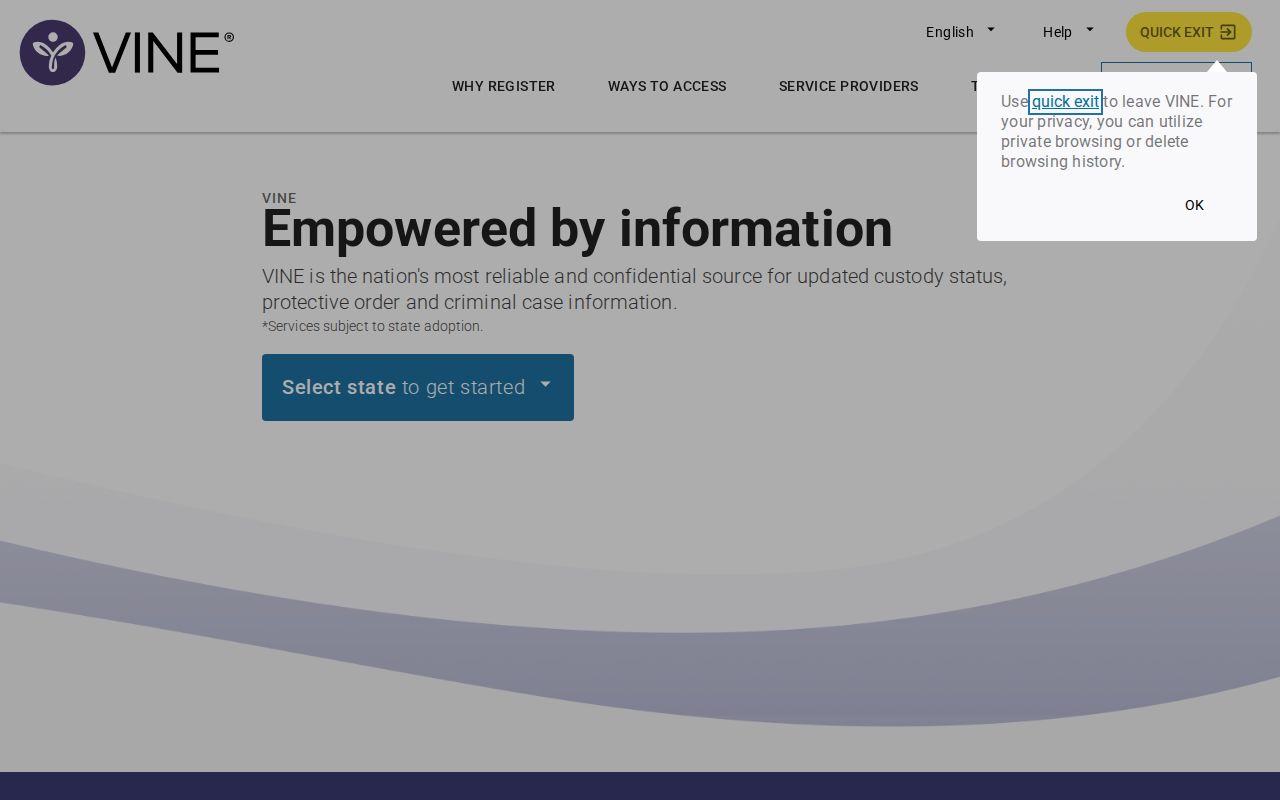
Use VINELink for one custody check, not for browsing arrest lists.
Check a Bradley County Arrest
Start with the best details you have. An exact name helps, but names get shared, misspelled, or entered in different forms. A TDOC or offender number is stronger. Compare every returned detail before treating the result as the same person.
- Open VINELink and select Tennessee.
- Choose the person or offender search offered by the live interface.
- Enter the full name or known record number.
- Review each possible match instead of choosing the first name.
- Compare custody location, status, and record details with the BCSO booking.
- Open “Get Notified” only after the correct record is established.
For a booking minutes old, check the BCSO gate or call the jail at 423-728-7367. Delays happen. Data entry and system transmission both take time. The Daily Arrest Report explains how arrest time and book time can cross reporting periods.
Bradley VINELink Result Fields
VINELink centers on custody and notifications. Exact fields depend on the Tennessee record and the current screen. It is not a booking report, a mugshot archive, or a court docket. Use the county booking record for details.
| Result detail | What it helps confirm |
|---|---|
| Name and record identifier | Distinguishes similar names and supports later calls. |
| Custody status | Shows the status reported to VINE at that time. |
| Facility or agency | Indicates the reporting custody location. |
| Record details | Provides the public details available for the selected person. |
| Notification option | Starts release, transfer, or status-change registration when offered. |
| Update information | Helps evaluate whether a fresh change may still be pending. |
A status can shift once release or transfer data arrives. Something feels off? Call the jail or the listed facility. A web status is never an emergency service.
Register Bradley Custody Alerts
Once the right person is confirmed, choose the notification option shown in the record. Tennessee offers text, email, TTY, and automated telephone alerts. Channels vary, so follow the live screen. Never publish your phone number, email, code, or PIN.
- Open the verified record and select “Get Notified.”
- Choose the offered phone, text, email, or TTY channel.
- Enter the contact detail privately and check it for errors.
- Create or record the PIN when the service requires one.
- Confirm the enrollment using the instructions provided.
- Save the record identifier and hotline separately.
The PIN manages and verifies alerts. It is not a jail ID number. Keep it private. When an alert arrives, read whether it reports a release, a transfer, or another custody change. A transfer is not a release.
Tennessee VINE Alert Channels
Tennessee's official source is the TDOC victim-services page.
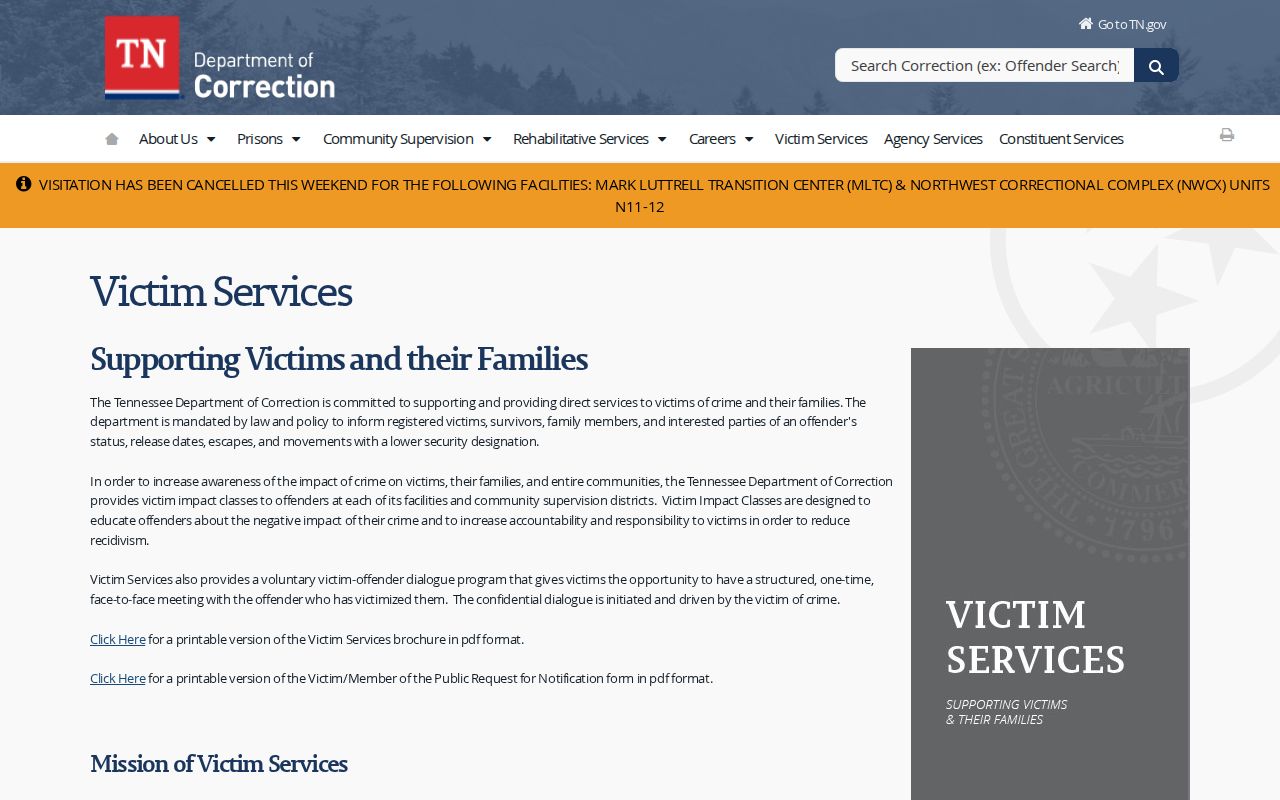
State guidance backs both web and telephone access, and it frames notification as one piece of a wider safety plan.
VINE is a notification aid, not an emergency-response system. Call 911 for an immediate threat. For a current safety concern, contact the relevant law-enforcement agency. Facing your own warrant or court matter? Talk to the clerk or counsel instead.
All 95 Counties on VINE
Tennessee's standout feature is the statewide link. TDOC's announcement and state contract material tie VINE to all 95 county jails plus TDOC. Bradley County fits inside that broad county-to-state notification network. This coverage differs from the sheriff's JailTracker report. That report documents county booking data instead. The official Tennessee VINE announcement covers the free service and the operator hotline.
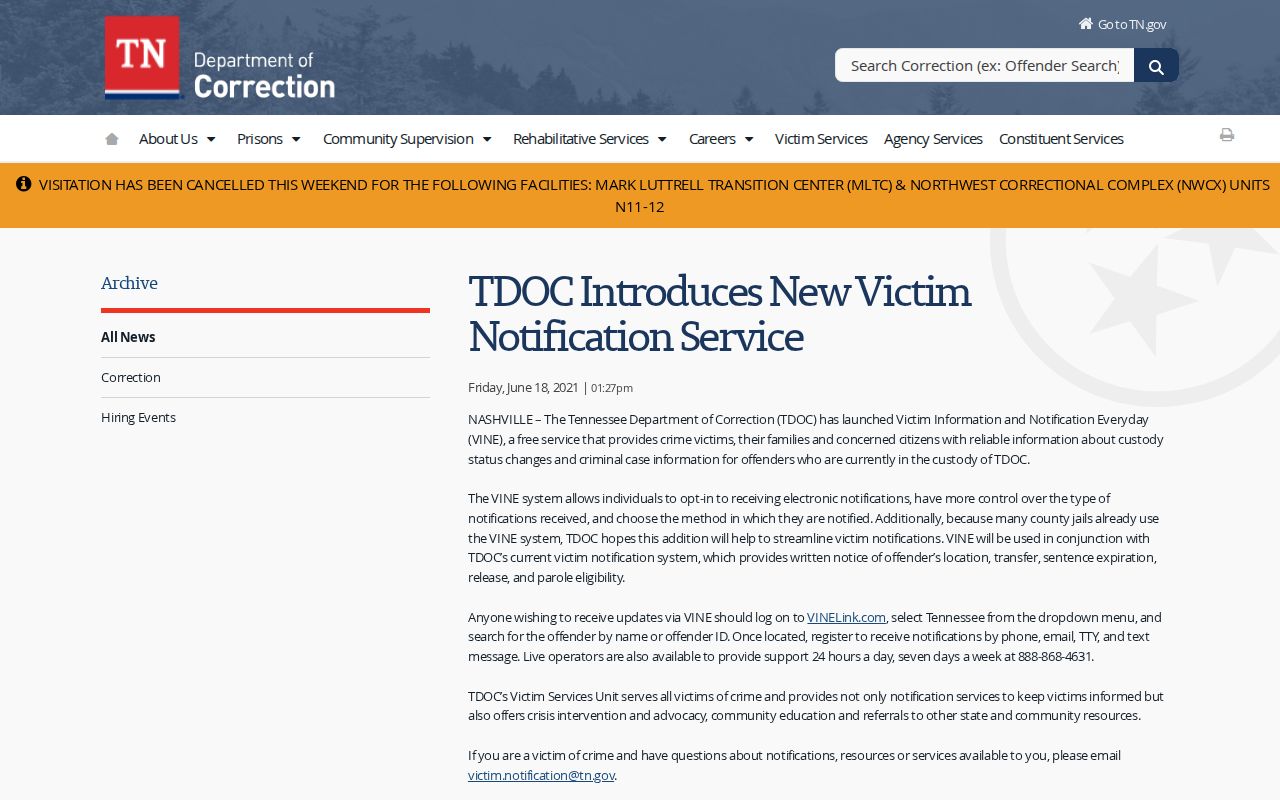
Statewide coverage does not mean instant data. When timing matters, confirm directly with the county.
Bradley VINELink Search Limits
A blank result has many causes. The booking may be too fresh. The name may differ. Or the person may already be released. The record could sit in another state, or in federal or immigration custody. A blank result does not prove the person was never arrested or is now free.
VINE shows no full court history and promises no booking photo. A Bradley County booking report can carry charge and bond data that VINE lacks. For filings, ask the Circuit and Criminal Court Clerk. Want a specific booking sheet or image? File a sheriff's records request instead.
County, State, and Federal Custody
Match the lookup tool to where the person is held. Someone just arrested in Bradley County gets processed at the local level first. Once a record reaches the network, VINE takes over. It can follow them through county or Tennessee state custody. Need state felony information instead? Tennessee FOIL tracks current and former TDOC inmates. It shows status, location, and active sentences. A state offender photo comes with it too.
Federal custody works differently. The Bureau of Prisons locator lists federal inmates from 1982 forward. It is not a Bradley jail or photo source. ICE holds require its own Online Detainee Locator. That system asks for an A-number with country of birth, or a full set of name details. VINE's Tennessee connection does not extend to either federal system.
| Question | Source |
|---|---|
| Was a person just booked locally? | BCSO Booking Reports and jail line |
| Has county or state custody changed? | Tennessee VINELink |
| Is the person in TDOC custody? | Tennessee FOIL |
| Is the person in federal prison? | BOP inmate locator |
| Is the person in ICE custody? | ICE Online Detainee Locator |
| What happened in court? | Bradley County clerk |
Bradley Booking and Court Follow-Up
Start with the BCSO booking number whenever one exists. Then keep that number alongside the VINE record identifier and the court case details. These systems do not talk to each other. One number will not work in place of another. A release alert only tells you custody changed. It says nothing about dismissal or how the case ends.
Log the date and time of every check you make. A later status can shift. A transfer, a release, or an agency update can change things without the earlier screen being wrong. When a notification affects immediate safety plans, call the reporting facility. Keep the hotline close. Guard the notification PIN. If your phone or email changes, update the enrollment so alerts reach the right place.
Plenty can happen after booking. Bond and continued detention are possible. So are preliminary hearings, grand-jury action, dismissal, diversion, pleas, acquittal, and conviction. The charge may look different from the original booking language too. The court record is the only place to confirm the final status.
Public Record Search
Sponsored Results